AI image editor: change a picture with words
Upload the picture, say what should change, keep everything else.
How it works
- Upload your image Drop in a photo or pick one from your library.
- Describe the change Write what should be different, paint over the area to change, or choose a side to extend.
- Pick the result Compare versions, fix a detail with a region edit, and download or keep working with it.
Made with the Image Editor
One portrait, five prompts
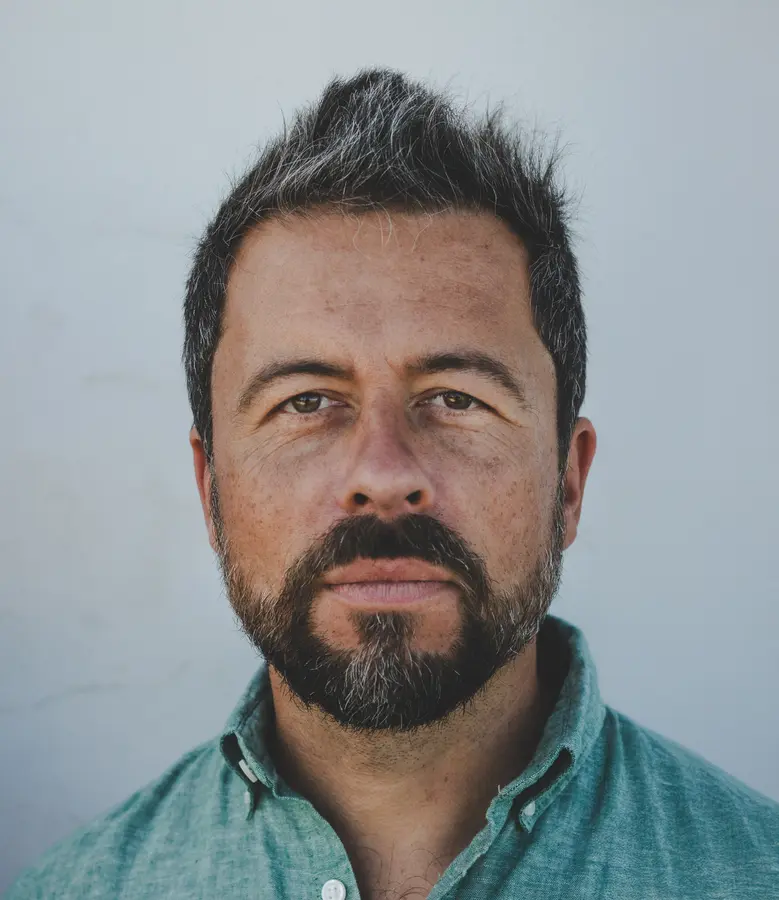
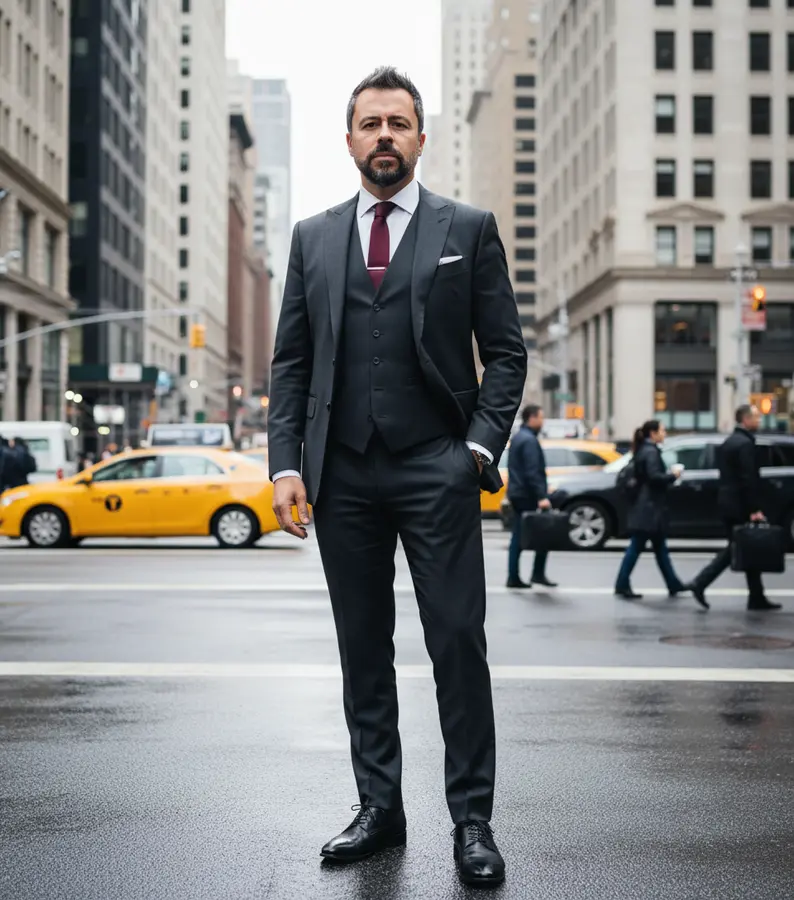
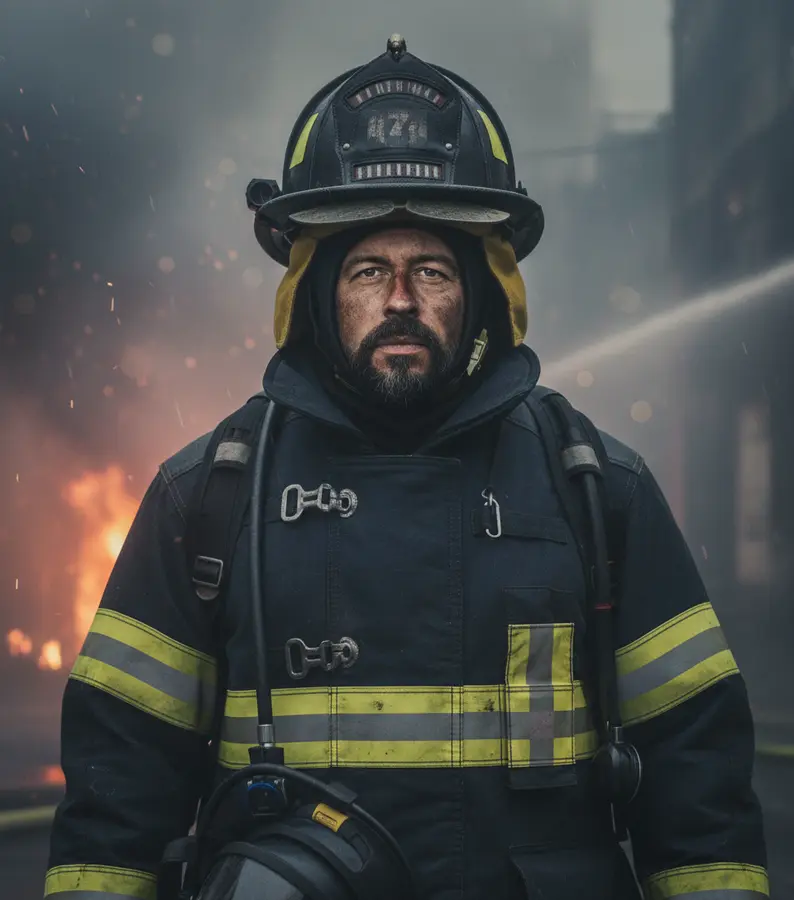
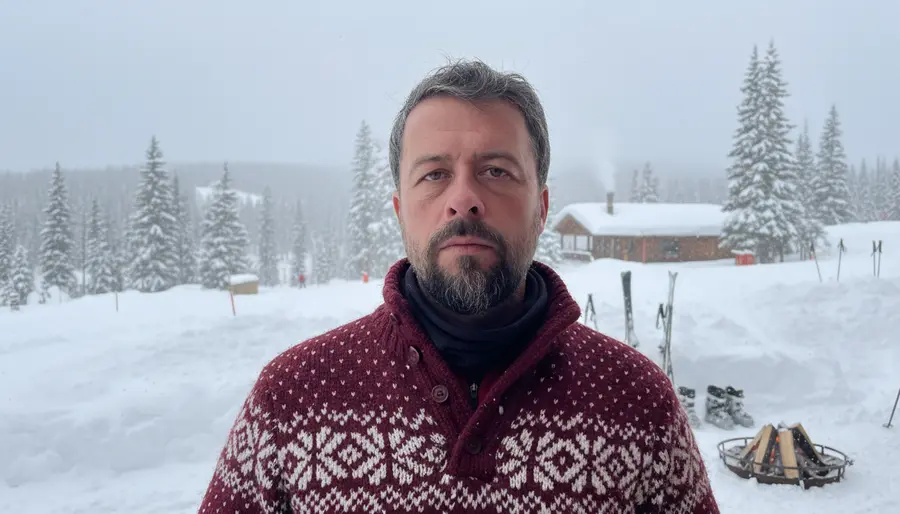
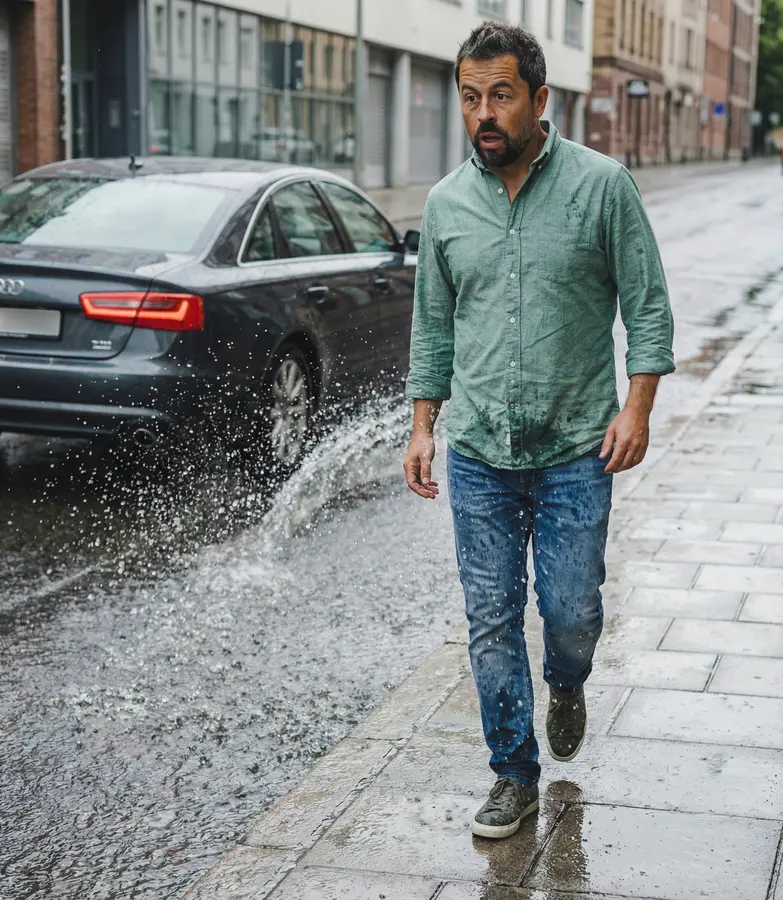
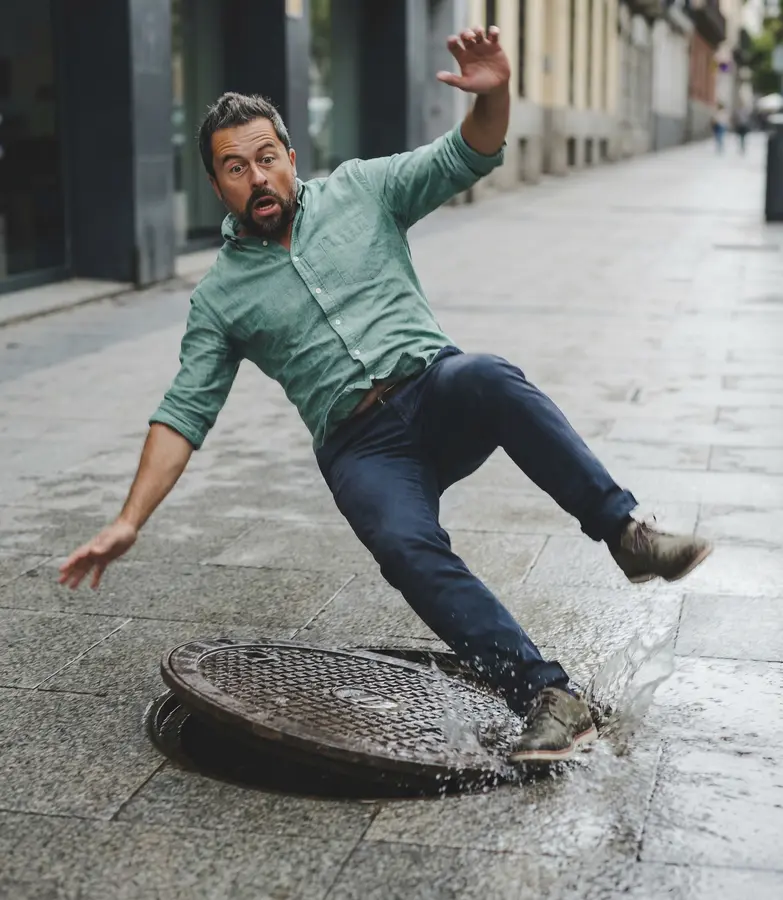
From a pencil sketch
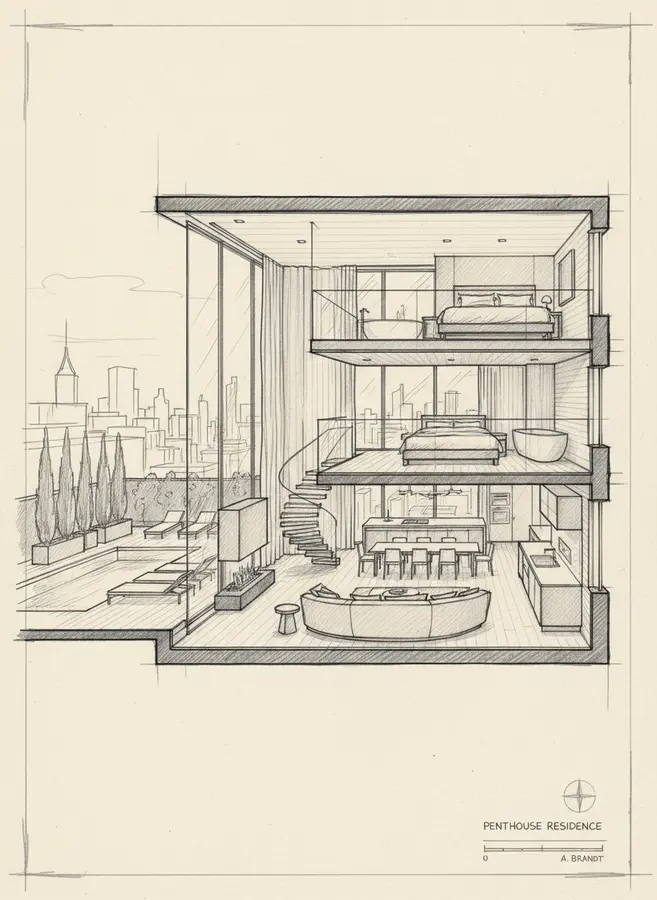
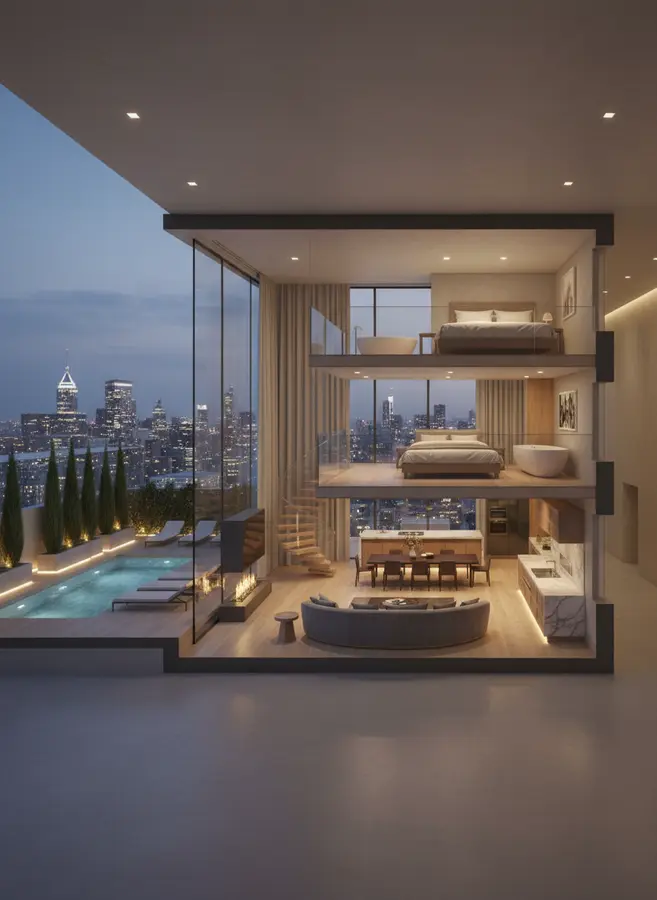
What you can do
- Paint to change Brush over a part of the image and only that part is replaced, by the model you chose.
- Extend the canvas Grow the picture by 50, 100 or 150 percent to the top, bottom, left or right.
- New format Turn a square into 9:16, 16:9, 4:5 and more, with the missing parts filled in.
- How far it may go Five steps from a minimal touch-up to a loose variation of the idea.
- Region edit Draw a box on a result and describe the fix, with GPT Image.
- From edit to video Animate the finished image with the video generator or use it in the video editor.
Models
- Nano Banana and Nano Banana 2 Lite Google's models for everyday edits, 0.10 and 0.05 credits.
- Nano Banana Pro The most precise edits at 1K, 2K or 4K, 0.30 to 0.60 credits.
- FLUX 2 Pro, Seedream 4.5 and 5 Lite Photographic and stylised looks, 0.08 to 0.10 credits.
- GPT Image Region edits on a marked box, 0.14 credits.
Made for
- Product photos A new background or surface without a reshoot.
- Social formats One photo extended to fit a Story, a post and a banner.
- Clean-ups Remove a distraction or fix a detail in a portrait.
Frequently asked questions
What does an edit cost?
From 0.05 credits with Nano Banana 2 Lite to 0.60 credits with Nano Banana Pro at 4K. The price of the chosen model is shown before you start.
Which image formats can I upload?
JPG, PNG and WebP. HEIC photos from an iPhone are converted for you.
Does the rest of the picture stay the same?
With the brush or a region edit only the marked part changes. A low variability keeps the whole image close to the original.
Guides
AI Image Generator | AI Image Fusion | AI Background Remover | All AI tools