AI image generator with the leading models
One prompt, the model that suits it, the format you post in.
How it works
- Describe the picture Write what you want to see, the style and the mood.
- Choose model and format Pick a model and a format from square to 9:16, and the resolution where the model offers it.
- Refine and reuse Vary the result, edit just the part you mark, upscale it, or animate it into a video clip.
Made with the Image Generator
Prompts and results
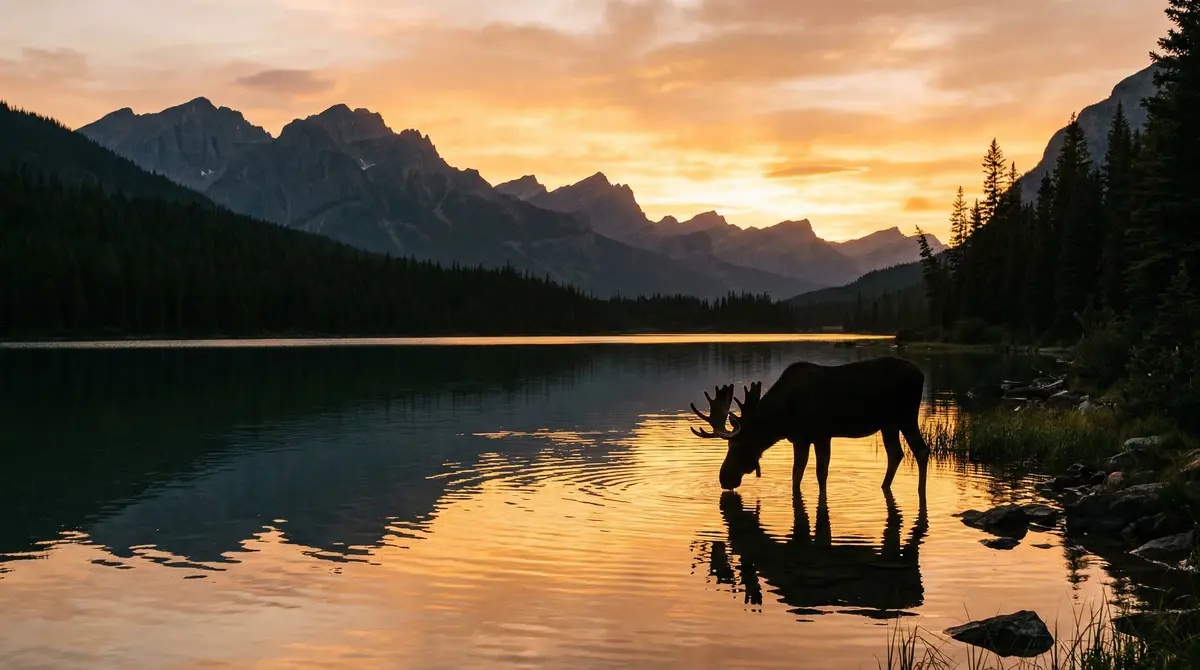
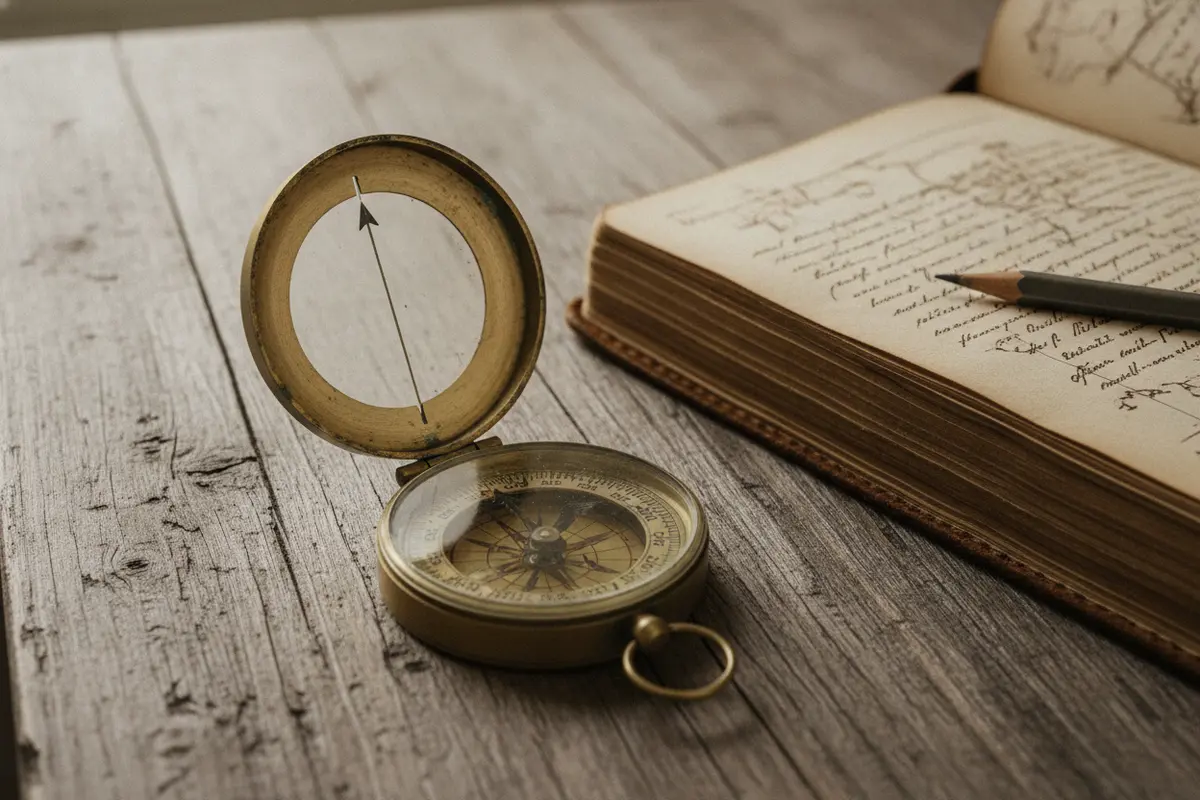
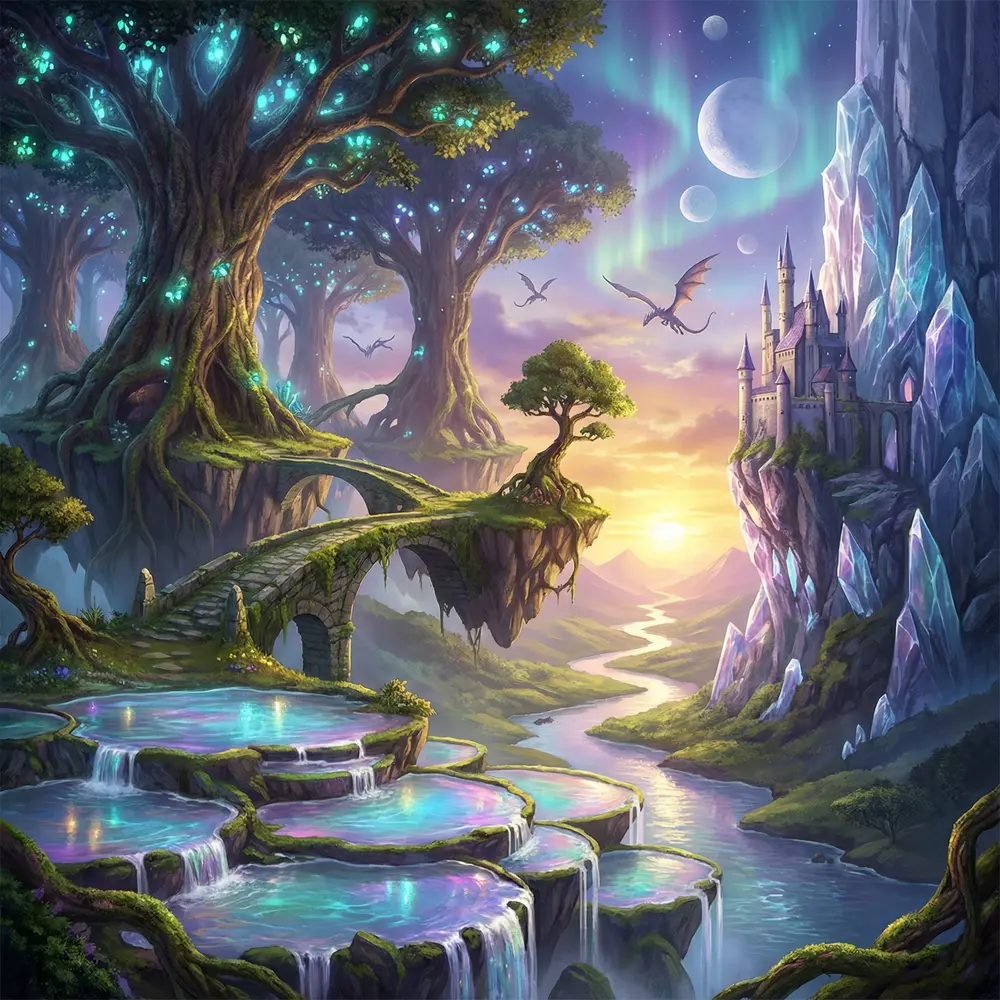
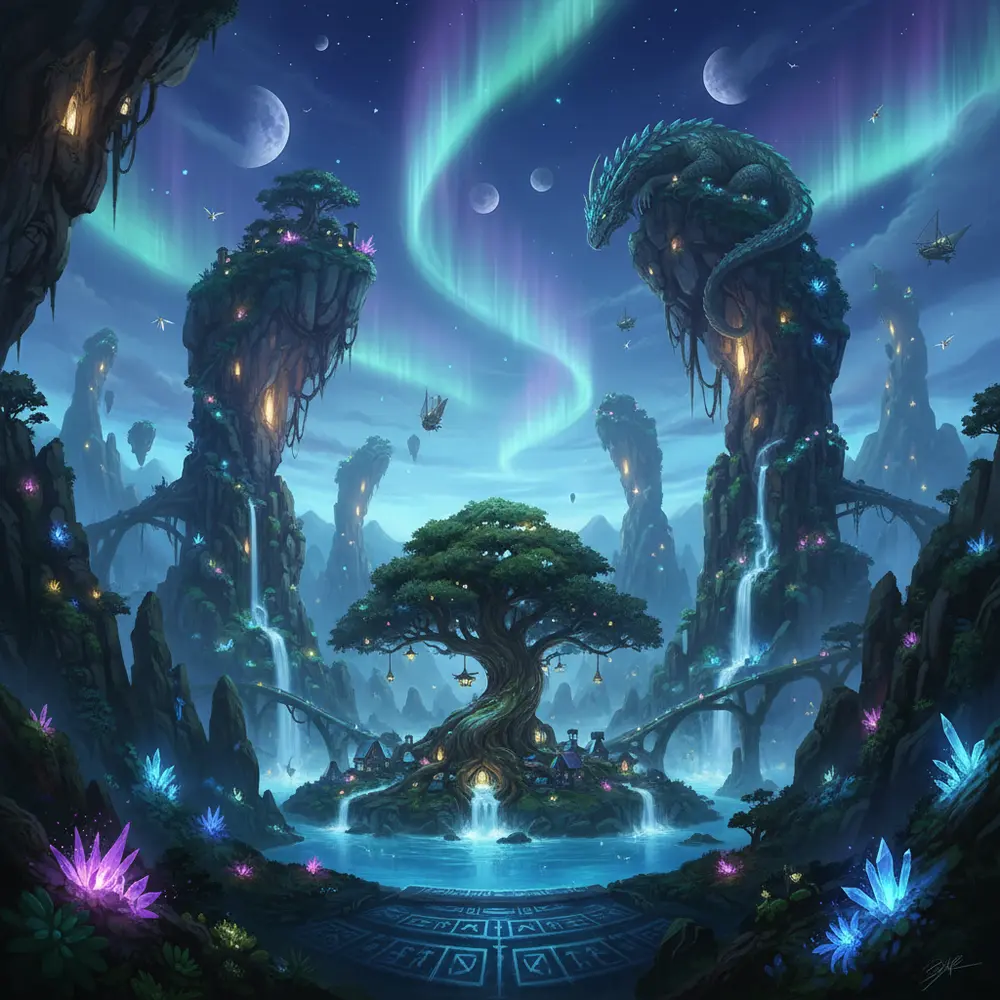
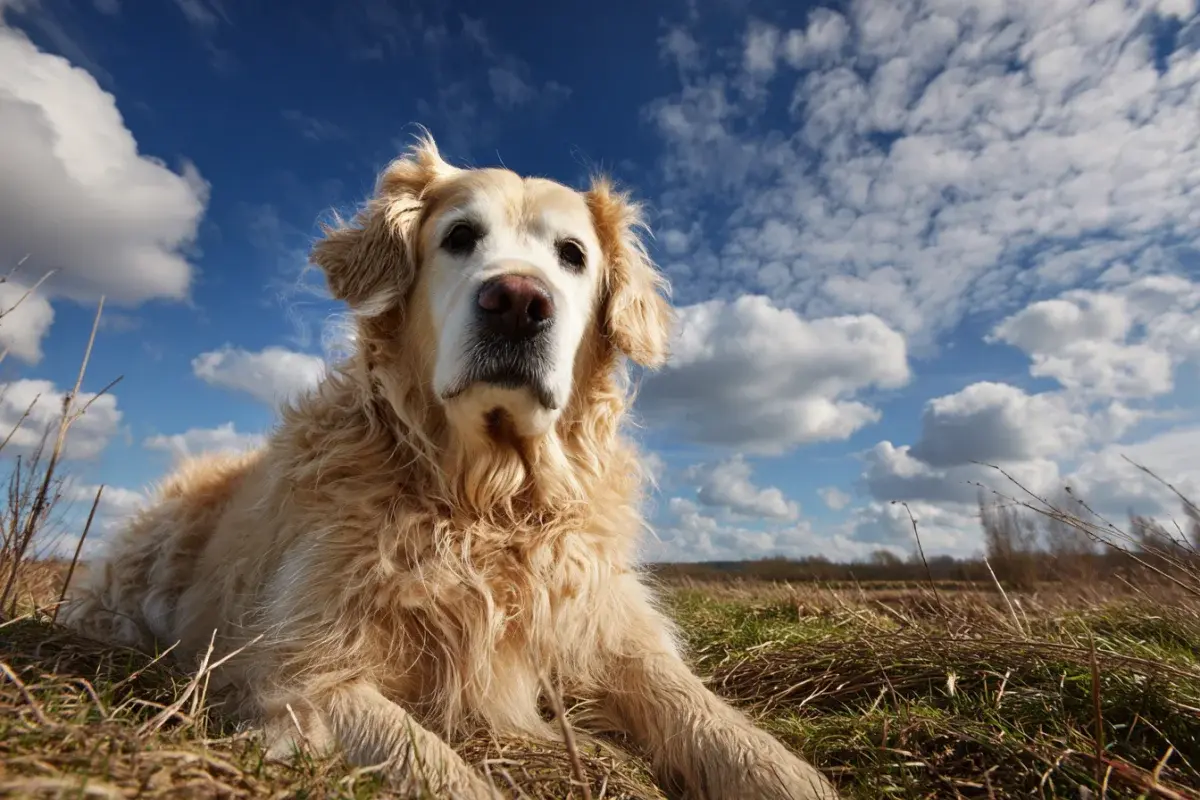
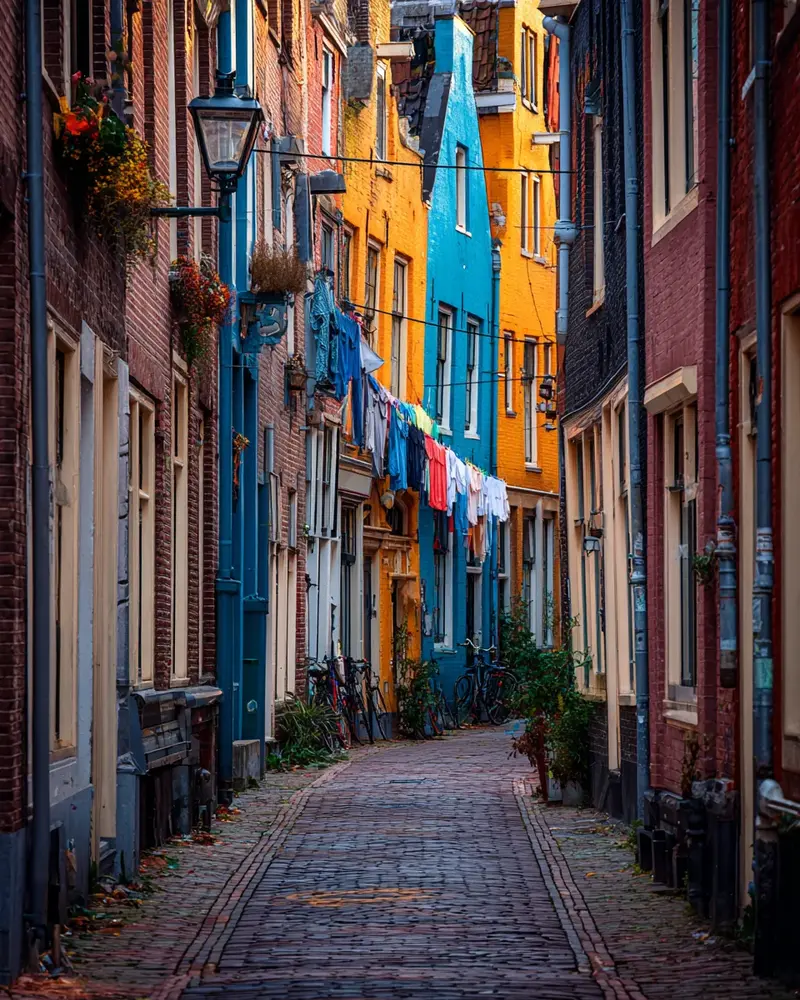
What you can do
- Several models, one place Nano Banana, Nano Banana 2, FLUX 2 Pro, Seedream and GPT Image, without separate accounts.
- Seven formats 1:1, 16:9, 9:16, 4:3, 3:4, 3:2 and 2:3 for every channel.
- Up to 4K Nano Banana 2 renders at 1K, 2K or 4K; any image can be upscaled afterwards.
- Edit what you mark Change one area of an image and keep the rest, or vary a picture while keeping the character.
- Merge images Combine up to ten pictures into one, for example a product into a scene.
- From image to video Turn any result into a clip with the video generator or the video editor.
Models
- Nano Banana and Nano Banana 2 Google's image models, strong at following prompts and editing, up to 4K.
- FLUX 2 Pro Detailed, photographic images.
- Seedream 4.5 and 5 Lite ByteDance's models for crisp, stylised images.
- GPT Image OpenAI's image model for precise text-to-image results.
Made for
- Social posts Visuals in the exact format of each channel, in minutes.
- Product imagery Product shots in new settings, without a photo shoot.
- Characters and avatars A recurring character for your channel, varied while staying recognisable.
Frequently asked questions
What does an image cost?
Between 0.05 and 0.60 credits depending on the model and resolution. The price is shown before you generate.
Which model should I pick?
Nano Banana for everyday images and edits, Nano Banana 2 for high resolution, FLUX 2 Pro for photo realism, Seedream for stylised looks.
How long are my images stored?
Images are kept for 30 days. Keep up to 100 files permanently with the pin in your gallery, or download them.
Guides
AI Image Editor | AI Character Generator | AI Image Upscaler | AI Video Generator | All AI tools