AI character generator for a face that stays the same
Pick a face once, then put the same character into every outfit, place and shot.
How it works
- Cast the face Describe the character, add your own photos if you like, and pick one of four or five candidates. Or start from an image you already have.
- Build the identity set From the chosen face the studio makes a front, three-quarter, profile and full-body view that every later image is built on.
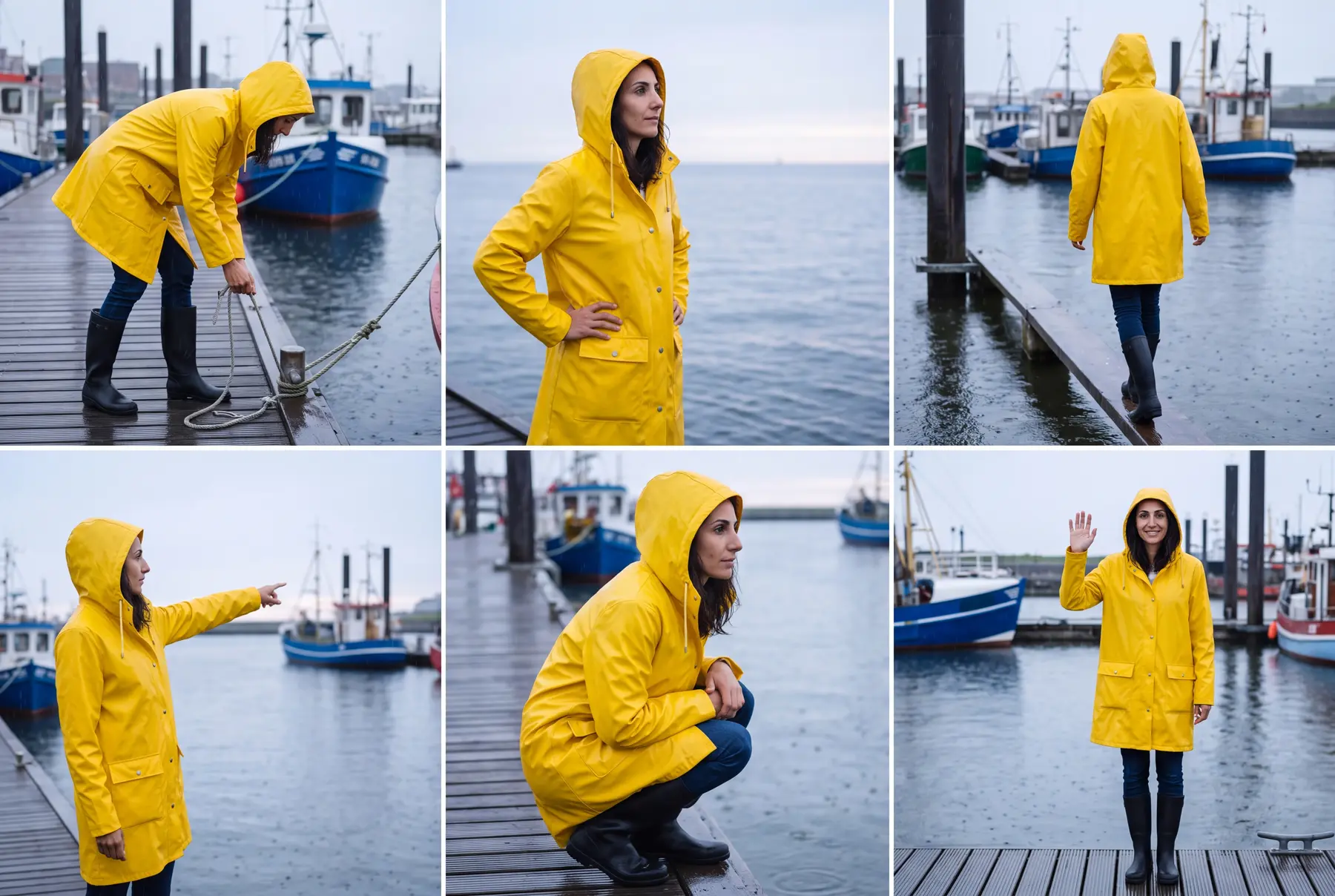
- Dress, pose and animate Create themes with outfit, location, scenery and light, render a sheet with six poses in portrait, square or landscape, then mark the poses you want and open them as clips in the video editor.
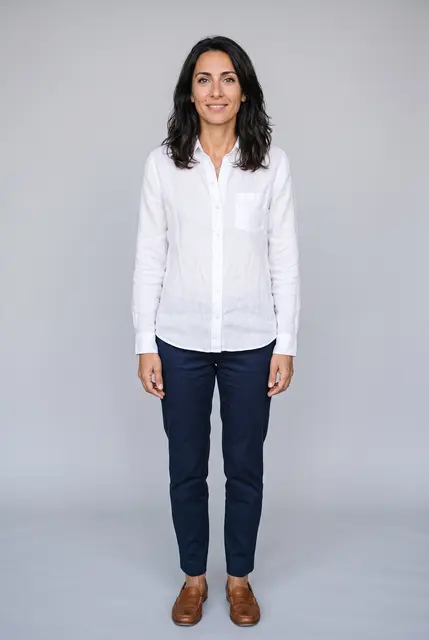
Meet Mara
One character made in the Character Studio: an avatar, its identity set, two themes with a sheet of six poses each, and clips from those poses.
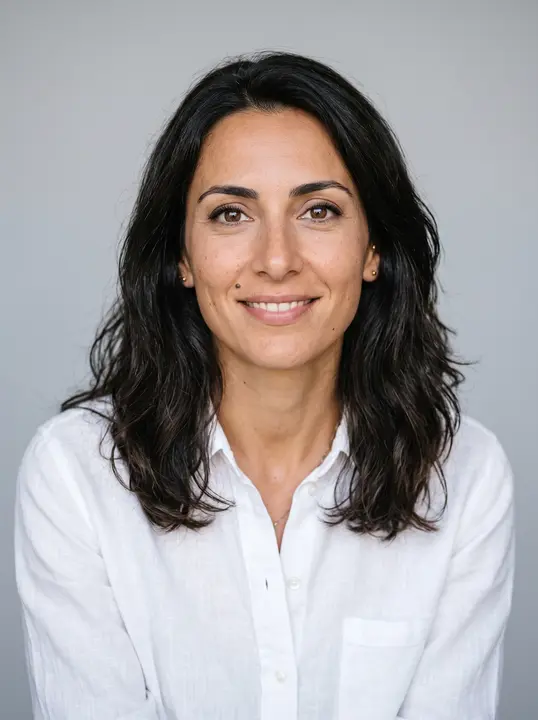
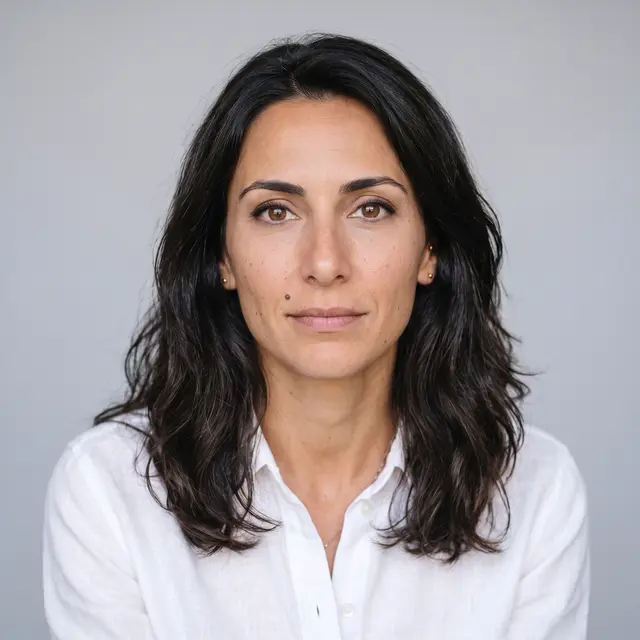
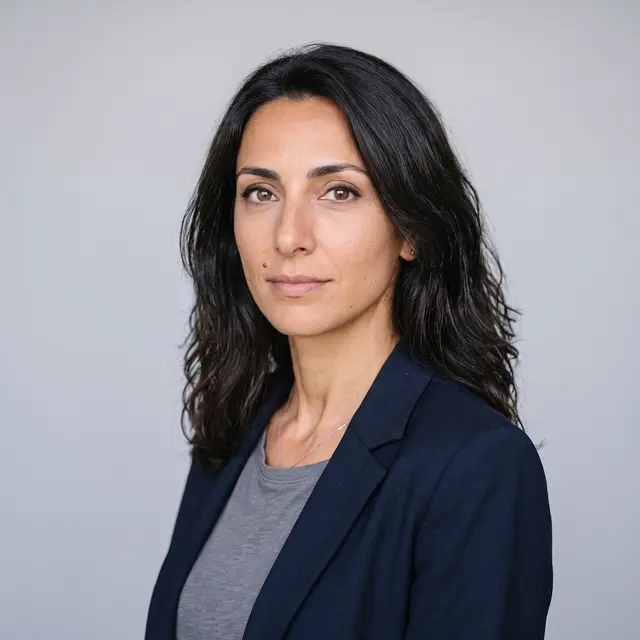
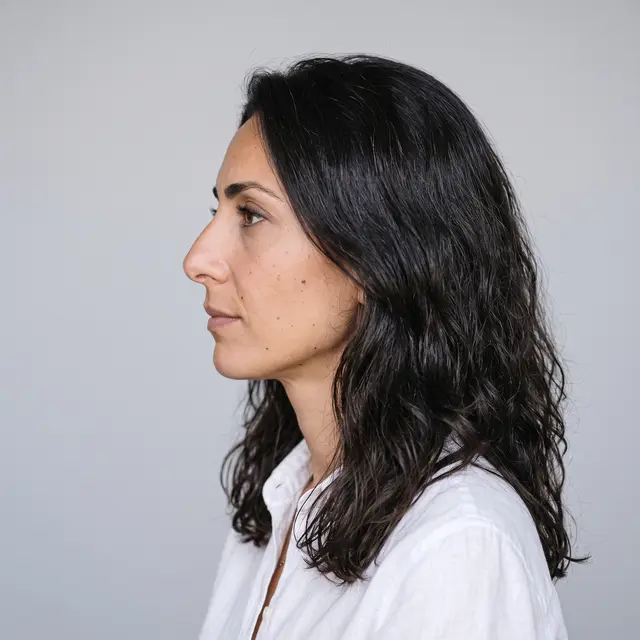
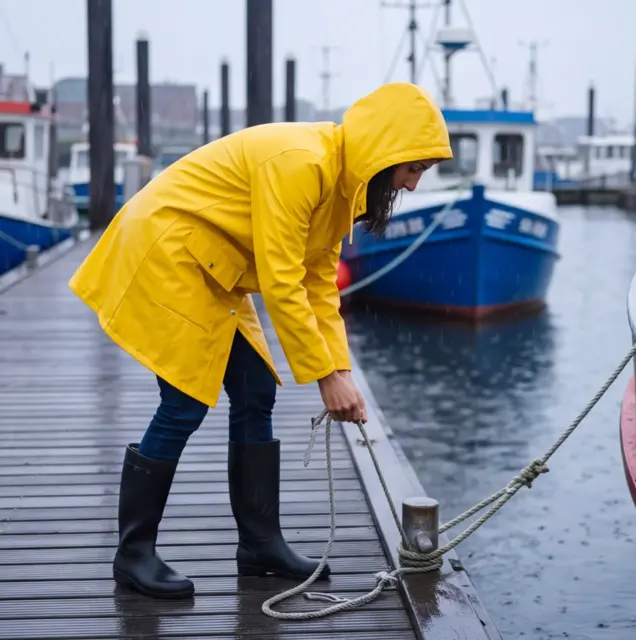
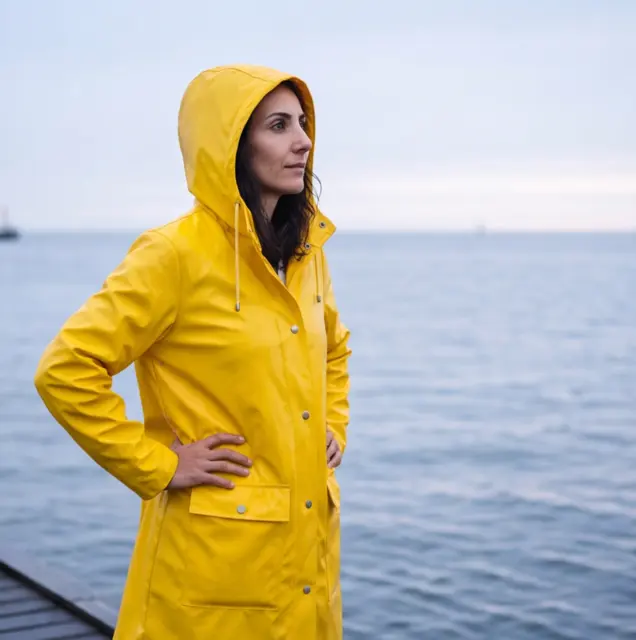
Hamburg harbour
Yellow vinyl rain coat and rubber boots, a rainy harbour at dawn.
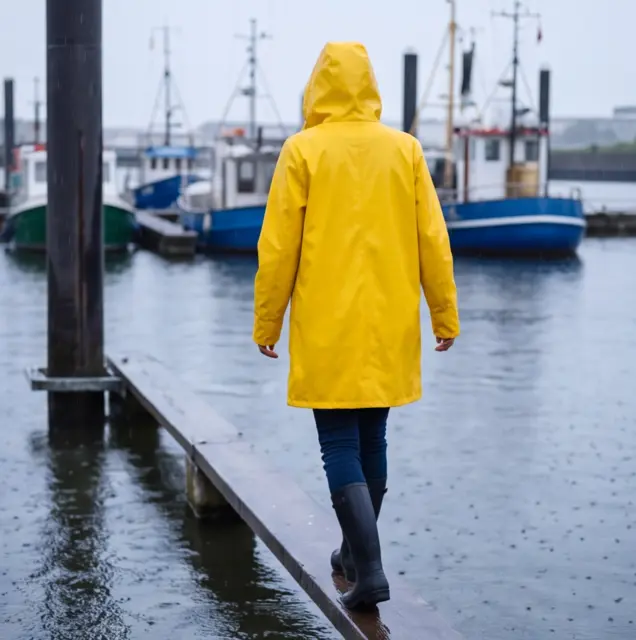
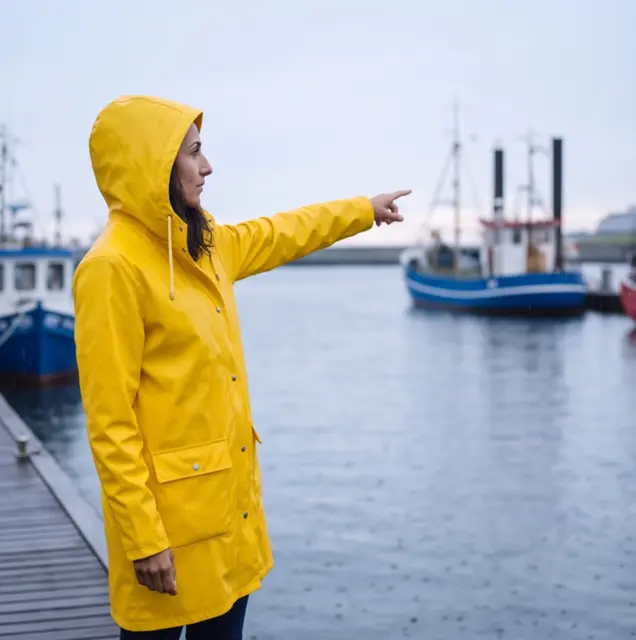
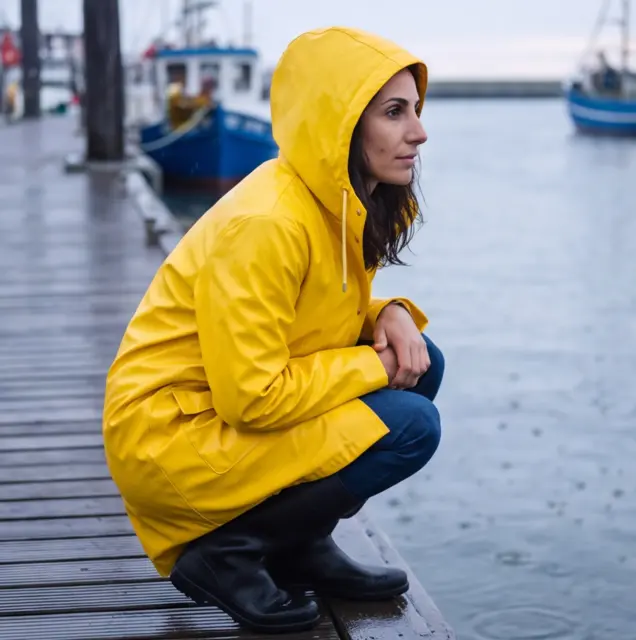
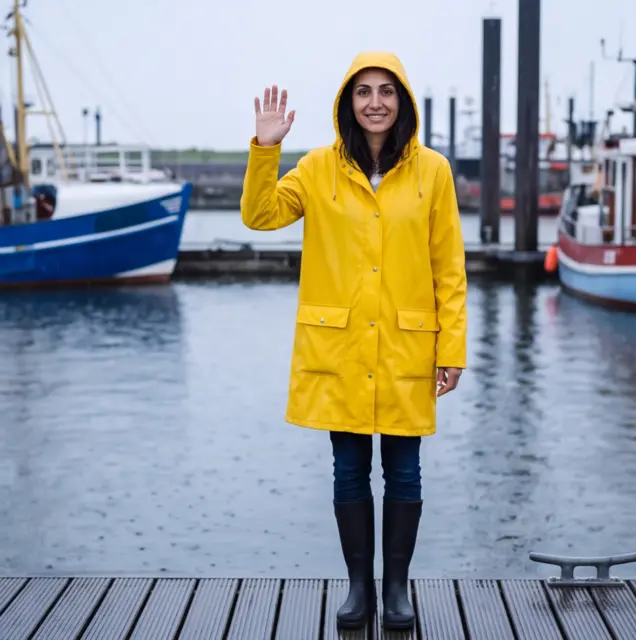
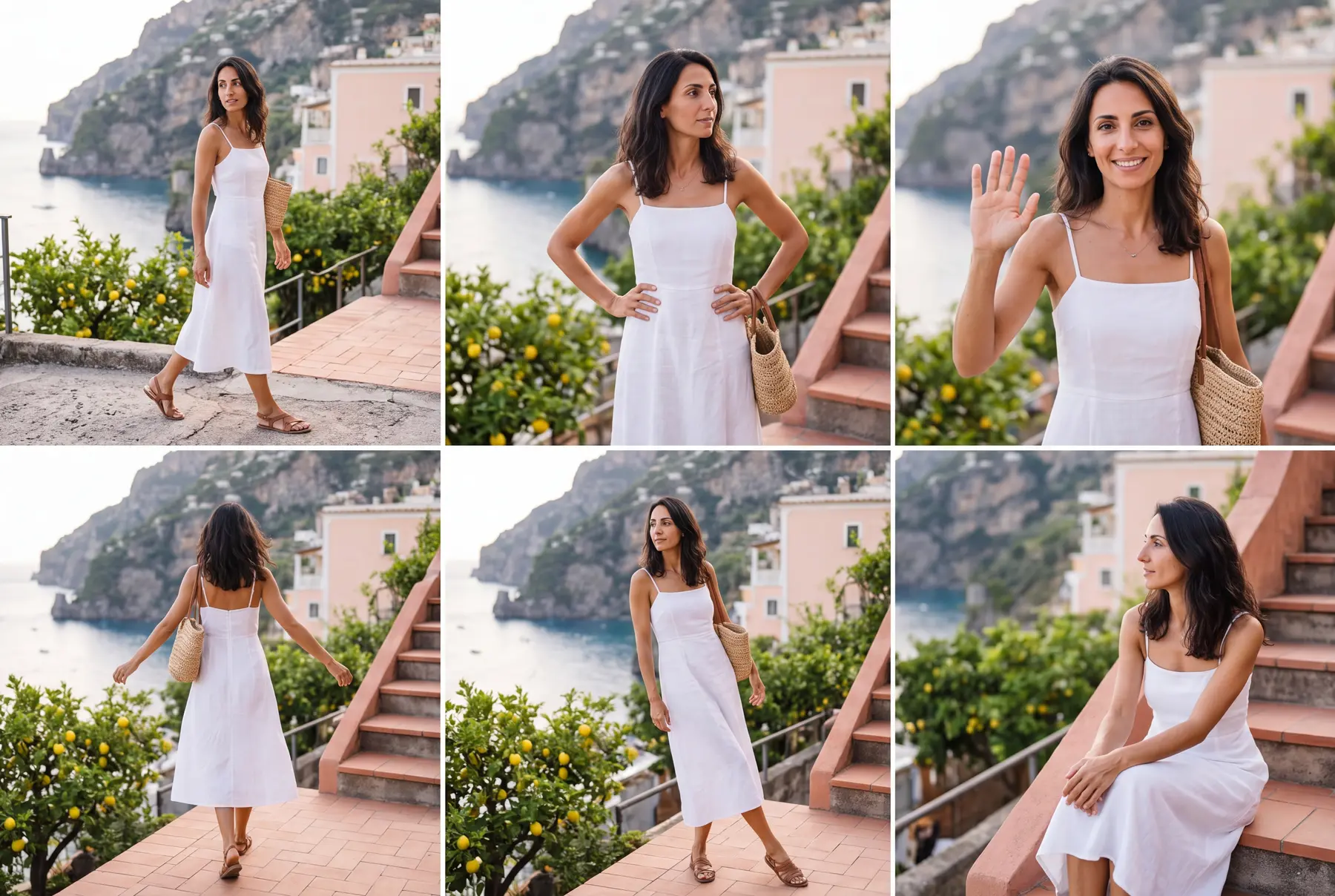
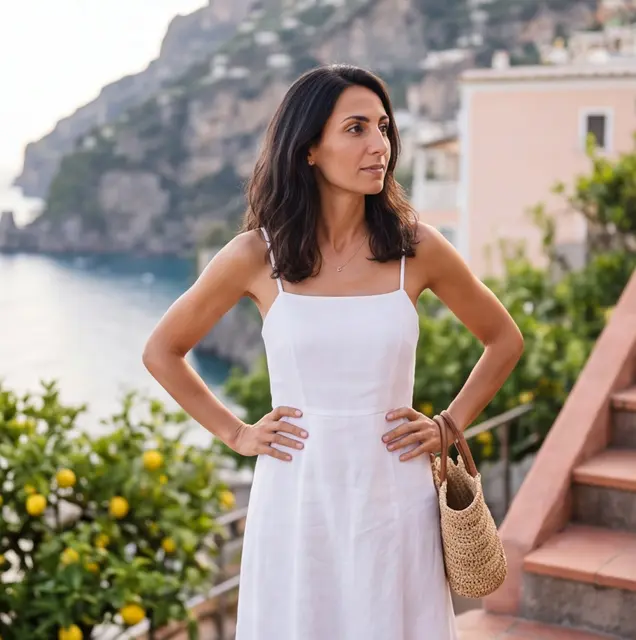
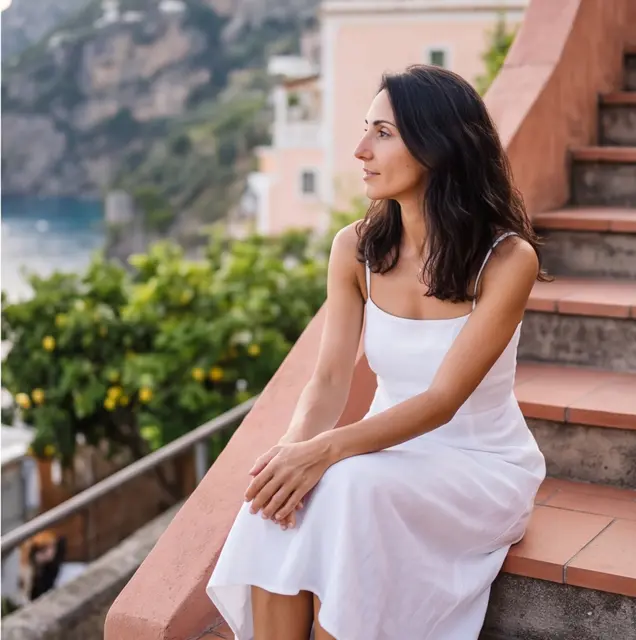
Amalfi Summer
White linen sun dress, sandals and a straw bag, a cliffside village in late summer.




What you can do
- Casting in rounds Four or five candidates at once from a description or up to ten reference photos. Ask for more like the one you like until the face is right.
- Identity set Front, three-quarter, profile and full body from the avatar. Redo a single view without touching the others.
- Reusable themes Outfit, location, scenery and light saved per theme. Write a few bullet points and the AI fills in the fields.
- 4K action sheets Six poses on one 4K sheet with Nano Banana Pro, in portrait 9:16, square or landscape 16:9, cut into single poses by itself.
- A character bible The notes that make the character who they are go into every identity view, sheet and reference casting.
- Clips from poses Mark poses and they open as clips in the video editor: from the pose as the start frame with the avatar and identity set as references, or from references only. A pose of another shape is fitted to your video first.
Models
- Nano Banana Casting and identity views at 1K, with up to three reference photos.
- Nano Banana Pro Casting and identity views at 2K with up to ten references, and the 4K action sheets.
- Gemini Omni Flash, Kling 3, Grok Imagine, Seedance 2.5 Clips from a pose's start frame; Gemini Omni Flash and Kling 3 also take the avatar and identity set as references.
Made for
- AI influencers and channel hosts One recognisable person for every Instagram post, Reel and Short.
- Story and ad sequences The same hero in different scenes, cut together in the video editor.
- Brand mascots A character in your brand's outfits and settings, ready whenever a campaign needs one.
Frequently asked questions
What does a character cost?
You pay per step. A casting candidate starts at 0.10 credits, an identity view at 0.50 and a 4K sheet with six poses at 1.50. Fitting a pose to the shape of your video adds 0.10. Every button shows its price before you click.
Can I use my own photo as the character?
Yes. Upload an image or pick one from your library as the avatar, at no cost, or add your photos to the casting as references.
Are my character's images deleted after 30 days?
No. The avatar, identity set, sheets, poses and the character's clips are kept as long as the character exists, and they do not count against your kept files. Casting candidates follow the normal 30-day retention.
How many characters can I create?
Up to 50 characters per account, each with up to 50 themes.
Can I make videos of my character?
Yes. In the Videos step, mark the poses, choose a new or an existing video project, and the editor opens with the clips ready to start. Clips start at 0.65 credits for 3 seconds with Gemini Omni Flash.
AI Image Generator | AI Video Generator | AI Video Editor | All AI tools