AI video generator: from a prompt or an image to a clip
Describe the shot or start from your own picture, pick the model, get a clip.
How it works
- Start from a prompt or an image Write what should happen, or upload the picture the clip starts with. Add a last frame for where it should end.
- Pick model, format and length Choose a model, vertical or widescreen, the duration and the resolution. The price is shown before you generate.
- Use the clip Download it, or open it in the video editor to cut it together with other clips, titles and music.
Made with the Video Generator
From a start frame
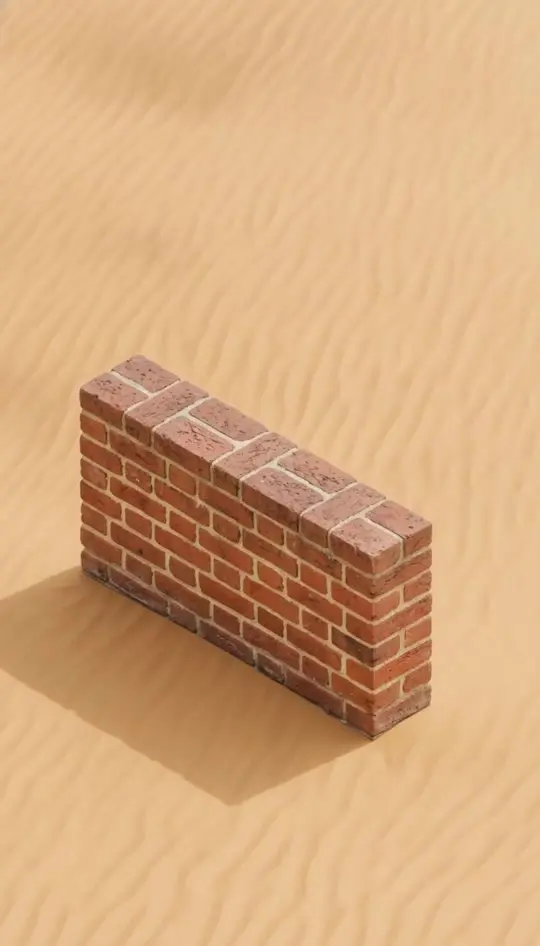
From a prompt
What you can do
- Image to video The clip starts exactly on your picture, so a product, a person or a scene stays recognisable.
- First and last frame With Gemini Omni Flash, Kling and Seedance you can also set the frame the clip ends on.
- Reference images Gemini Omni Flash takes up to three reference images to keep a character or product consistent.
- Sound included Gemini Omni Flash and Seedance generate matching audio with the clip.
- Vertical and widescreen Make 9:16 clips for Reels and Shorts or 16:9 for YouTube, depending on the model.
- From 3 to 30 seconds Short loops or longer scenes: each model offers its own steps, up to 30 seconds with Seedance.
Models
- Gemini Omni Flash 3 to 10 seconds, 16:9 and 9:16, first and last frame, up to three reference images, with sound.
- Kling 3 3 to 15 seconds in standard or pro quality, first and last frame.
- Grok Imagine 5 to 15 seconds at 480p or 720p in many formats, from a prompt or a start image.
- Seedance 2.5 4 to 30 seconds at 480p or 720p, first and last frame, with sound.
Made for
- Animate a photo Bring a product shot, a portrait or a landscape to life for a post or an ad.
- Consistent characters Generate clips of the same person in different scenes from your own character images.
- B-roll on demand Make the cutaway shot you did not film and drop it into your edit.
Frequently asked questions
What does a video cost?
It depends on the model, length and resolution, starting at 0.65 credits for a 3 second clip with Gemini Omni Flash. You see the exact price before you generate.
Can I make vertical videos for Reels and TikTok?
Yes. Choose 9:16; the generator only offers models that support the format you picked.
Will my character look the same in every clip?
Starting from the same image gives the strongest match at the start of a clip. For more consistency, add reference images with Gemini Omni Flash.
Who owns the videos?
You do. Clips land in your gallery, where you can download them or keep them out of automatic deletion.
AI Video Editor | AI Character Generator | AI Image Generator | All AI tools